
A studio lighting upgrade gets expensive quickly if the first assumption is that everything must go.
Before the equipment list grows, take a closer look at what’s already overhead. Some fixtures may still be doing useful work. Others may have sound housings and accessories but aging fluorescent components. A few may no longer suit the shots your production team needs.
An LED studio lighting upgrade should begin with those distinctions. They help you direct the budget toward improvements people will see on camera and feel in the daily workload.
Start with what makes production harder
Ask the crew where the current setup slows them down. Is it finding replacement lamps and ballasts? Getting consistent light across the desk? Repositioning fixtures whenever the producer adds a standing segment?
Then compare those answers with the production schedule ahead. A lighting plan built around two seated anchors may need attention if the new set includes interviews, demonstrations, or a larger presentation area.
Make a basic inventory: fixture model, condition, mounting position, power, controls and accessories. Add what each fixture is expected to do. This gives your lighting designer a useful starting point and helps prevent a purchase based simply on matching the old fixture count.
Look at fluorescent to LED retrofit options
For studios with equipment compatible with Brightline LED upgrade kits, a retrofit may let part of that existing investment keep working, extending the viability of the existing fixtures.
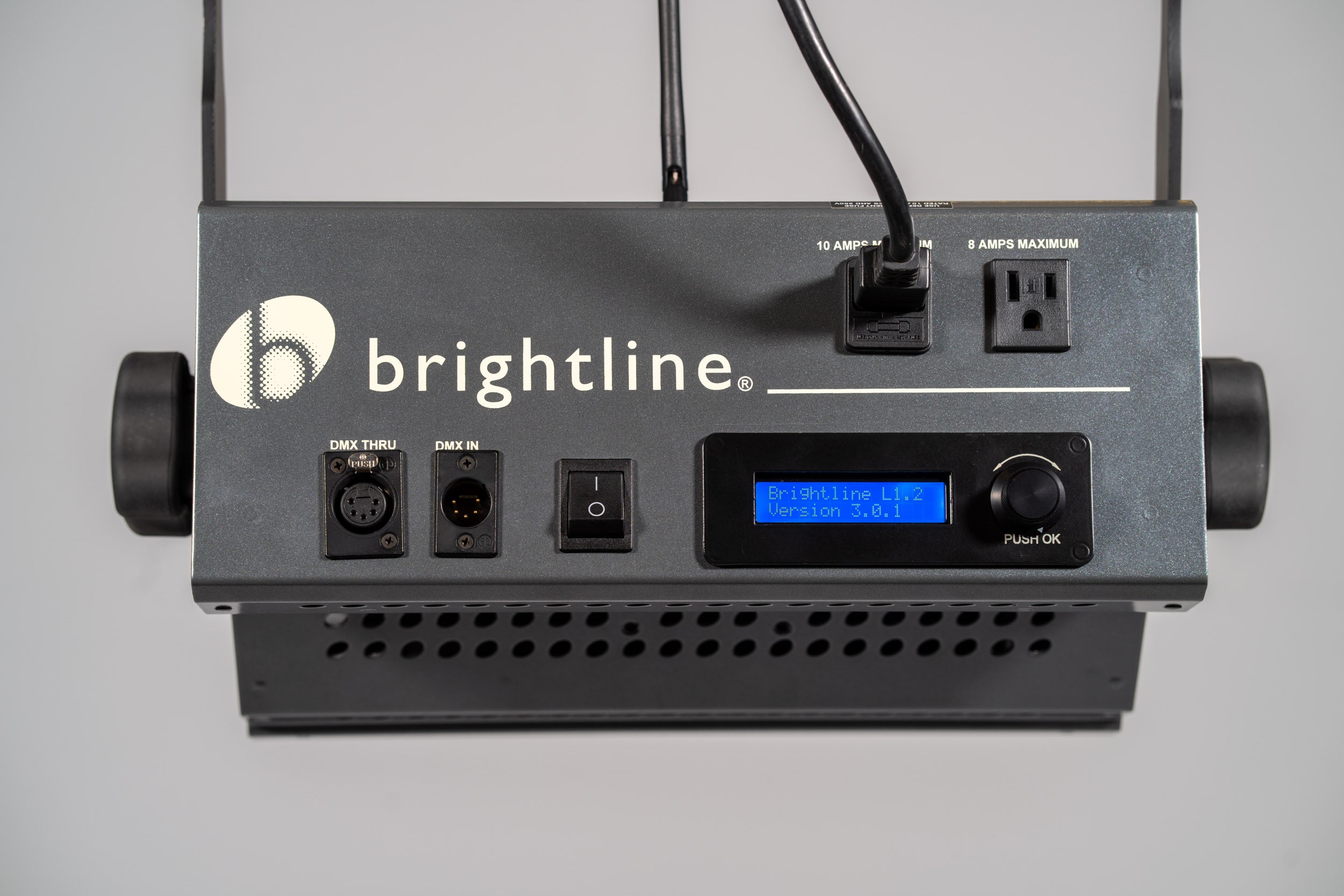
Brightline’s SeriesONE fluorescent-to-LED upgrade kit is designed for S1.2 and S1.4 fluorescent fixtures and works with some other manufacturers’ legacy fluorescents. The kit includes replacement components such as a fixture back, front cartridge and diffusion, with onboard DMX dimming as standard. Compatible existing accessories can remain in use, including mounting yokes, light intensifiers and control screens.
That creates a practical question for the project team: which fixtures can be updated to meet the new lighting plan, and where would a different fixture serve the production better?
Have Brightline evaluate the equipment and confirm the appropriate conversion before budgeting the work. A retrofit is a specific equipment decision, so the model and condition matter.
Know when the studio needs a bigger change
Sometimes the limits extend beyond the light source.
At Nebraska Public Media’s Ron Hull Studio, the renovation addressed both lighting and rigging. The 100-by-60-foot studio received new hoists, a perimeter pipe grid and a networked LED lighting system. The fixture package included Brightline SeriesONE L1.2 and L1.4 soft lights, Mako and Minnow profile spotlights, and Lupo Fresnels.
That project is a useful reminder to assess the infrastructure as well as the fixtures. If access, positioning or control is holding production back, changing the light source alone may leave the crew working around the same limitations.
A studio with suitable infrastructure may have a very different scope. Let the condition of the room and the production requirements determine how far the renovation goes.
Compare the whole project cost
Put the retrofit and replacement options side by side with installation labor, access equipment, control changes and commissioning included. Account for the time needed to focus the lights, test camera views and prepare the crew to use the finished system.
Energy savings deserve a realistic calculation, too. Compare actual fixture wattage and operating hours with your electricity rate. A studio used all day has a different savings opportunity from a room used for a weekly program. New fixtures can provide further savings with low voltage power and control options, like PoE and the AV/720 with DMX. And keeping compatible accessories for existing fixtures can reduce replacement purchases. How much that matters to your budget depends on what you own and its condition. An inventory makes that conversation much more useful than a broad percentage claim.
Plan the first show before installation begins
Work backward from the next production. Decide when fixtures can come down, when testing will happen and whether the studio needs to stay operational during the work. When retrofitting with kits, cycling through a few fixtures at a time can be strategic. Brightline provides DIY videos for support.
If the upgrade is scheduled in stages, test old and new fixtures together on camera. Check skin tones, dimming and coverage across the actual shots. Allow time to adjust the lighting and camera settings before the first recording or broadcast.
You should finish with a studio that supports the work your team needs to do, along with a clear reason for every fixture retained, converted or replaced.
Considering a retrofit? Send Brightline your fixture models, photos, and production requirements to start a discussion about what can keep earning its place in your studio.